How to choose your first automation without wasting a sprint
Most teams automate the wrong thing first. Here is a repeatable way to pick the highest-leverage workflow before you write a single line of logic.
Start with the workflow that costs you the most repetitive human hours, has clear inputs and outputs, and fails in a visible, measurable way when something goes wrong. That combination — high volume, low ambiguity, obvious failure signal — gives you the best chance of a win that builds internal momentum. Everything else can wait.
The real cost of picking wrong
Most first automations fail not because the technology is bad, but because the team picked a workflow that felt painful without checking whether it was actually high-leverage. A process can feel like a time sink and still represent only four hours a week across the team. Four hours is real, but it is rarely the right place to spend your first sprint.
We see this pattern constantly. Someone in a leadership meeting says "we spend so much time on X" and that becomes the first automation project. Three weeks later, the automation is live, saves about ninety minutes a week, and the team moves on with limited enthusiasm for the next one. That is a missed opportunity to build compounding returns.
Three filters that actually predict success
Before you commit to any workflow, run it through these three checks.
Volume times unit time. Multiply how often the task happens per week by how many minutes it takes a person to do it. A task that happens 200 times a week and takes three minutes each is 10 hours of labor. A task that happens twice a week and takes twenty minutes is less than an hour. The math is simple and most teams skip it.
Input ambiguity. Can you write down, right now, every input this workflow receives and every decision it makes? If the honest answer is "it depends on who sent it" or "we kind of know it when we see it," the workflow is not ready to automate. You are not failing at automation; you are discovering that the process itself is undefined. Define it first.
Failure visibility. When this workflow breaks, how fast do you know? If the answer is "we find out when a customer complains" or "we check a report monthly," the workflow carries hidden risk. Automations that fail silently are worse than manual processes because they fail at scale. You want a workflow where a bad output is obvious within hours, not weeks.
A rough scoring method
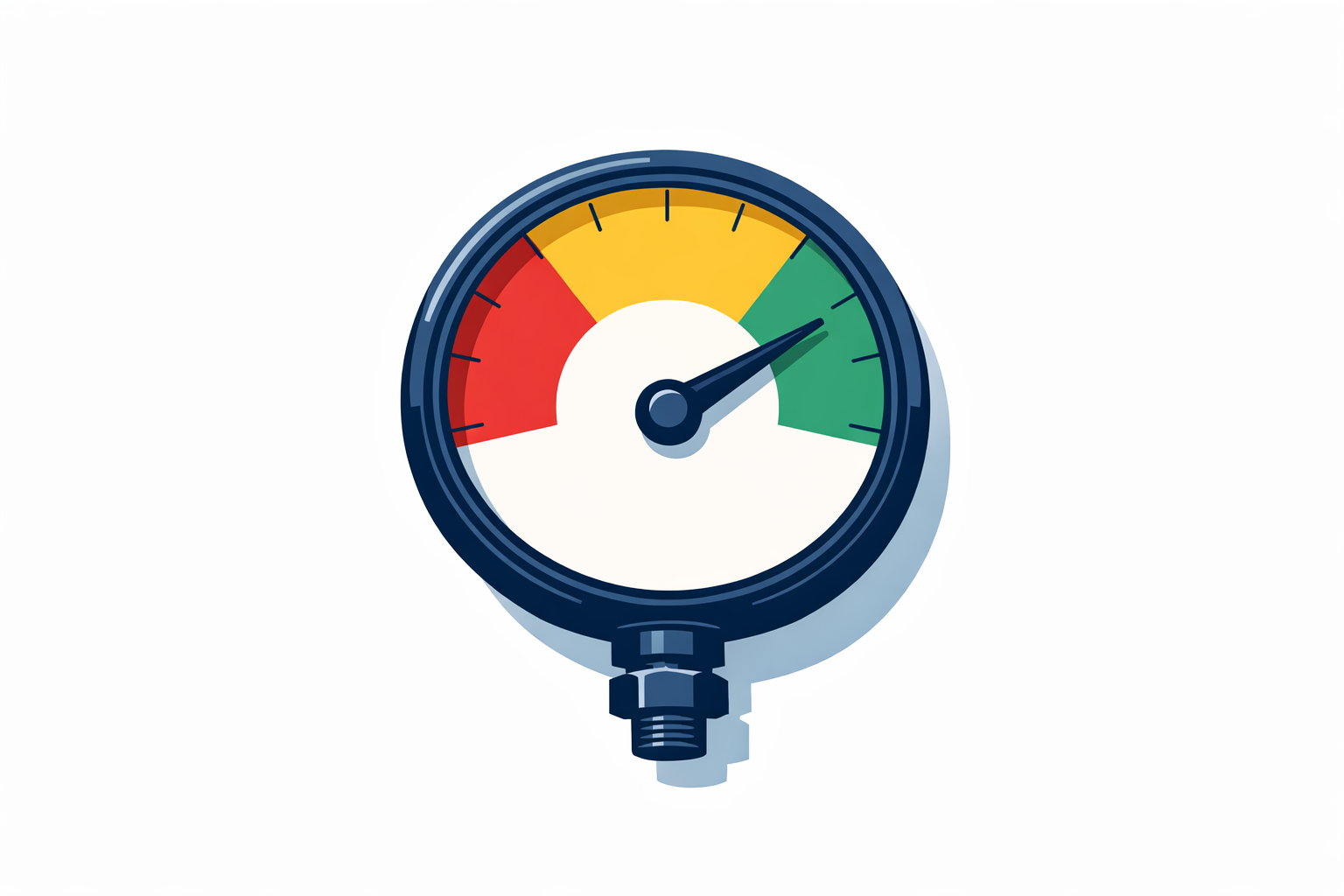
Score each candidate workflow from 1 to 3 on each filter. Anything that scores 8 or 9 is your starting point. Anything that scores 5 or below either needs process definition work first or should stay manual for now.
This is not a precise science, and we will admit that upfront. But having a shared scoring rubric stops the first automation from being decided by whoever speaks loudest in the meeting.
If you want to see how this plays out in practice, our operations automation work follows a version of this intake process with every new engagement before we touch a single tool.
What "low ambiguity" actually looks like
The clearest indicator of a low-ambiguity workflow is that you can describe it in a flowchart with fewer than six decision nodes. If you are drawing branches for edge cases before you even start, you are looking at a process that has never been fully standardized. That is solvable, but it is a different project than automation.
Good early candidates we see in mid-market companies: lead routing based on form fields, invoice status notifications triggered by due-date logic, meeting summaries routed to CRM fields after a call, and inbound email classification by category before it hits a human queue. These are not glamorous. They are reliable, and reliability is what builds the internal credibility to do bigger things next.
The hidden cost of starting with something ambitious
There is a real temptation to start with an AI agent that handles complex customer questions or a forecasting model that synthesizes ten data sources. These are legitimate projects. They are almost never the right first project.
When ambitious first automations underperform — and they often do, because they carry more variables — the organizational lesson is "automation is hard and overhyped." That perception is very difficult to reverse. Starting with something that works, even if it saves only eight hours a week, teaches the team what working actually looks like.
Our AI agents work regularly involves scoping conversations where we talk teams out of starting with the most complex use case. It is not that the complex use case is wrong; it is that sequencing matters.
How to run the selection meeting
Gather your department heads or team leads and give each person five minutes to nominate one workflow. Then score each one using the three filters above as a group. You will find that the conversation itself surfaces process assumptions that no one had made explicit before. That is valuable independent of which workflow you pick.
Give the scoring rubric to someone who is skeptical of the whole project. Their objections will sharpen your criteria faster than agreement will.
If you want a concrete look at how this selection process leads to outcomes, the case studies section shows a few real sequences from first workflow to third.
What to do with the workflows that don't score well
Do not abandon them. Put them in a backlog with a note about what would need to be true before they become good automation candidates. "This workflow needs a defined escalation rule before we touch it" is useful documentation. Six months from now, if someone has defined that rule, the workflow moves up the list.
This is how you build a pipeline of automation work instead of a series of one-off projects.
If you want to pressure-test your list before committing a sprint to it, book a call and we can walk through the scoring together.
Want help putting this to work?
A 30-minute call is enough to tell you whether it fits your operation.
Book a discovery call →