
What to automate in your sales follow-up and what not to
Not every part of sales follow-up should be automated. Here's how we think about the line between what a workflow should handle and what a rep must own.
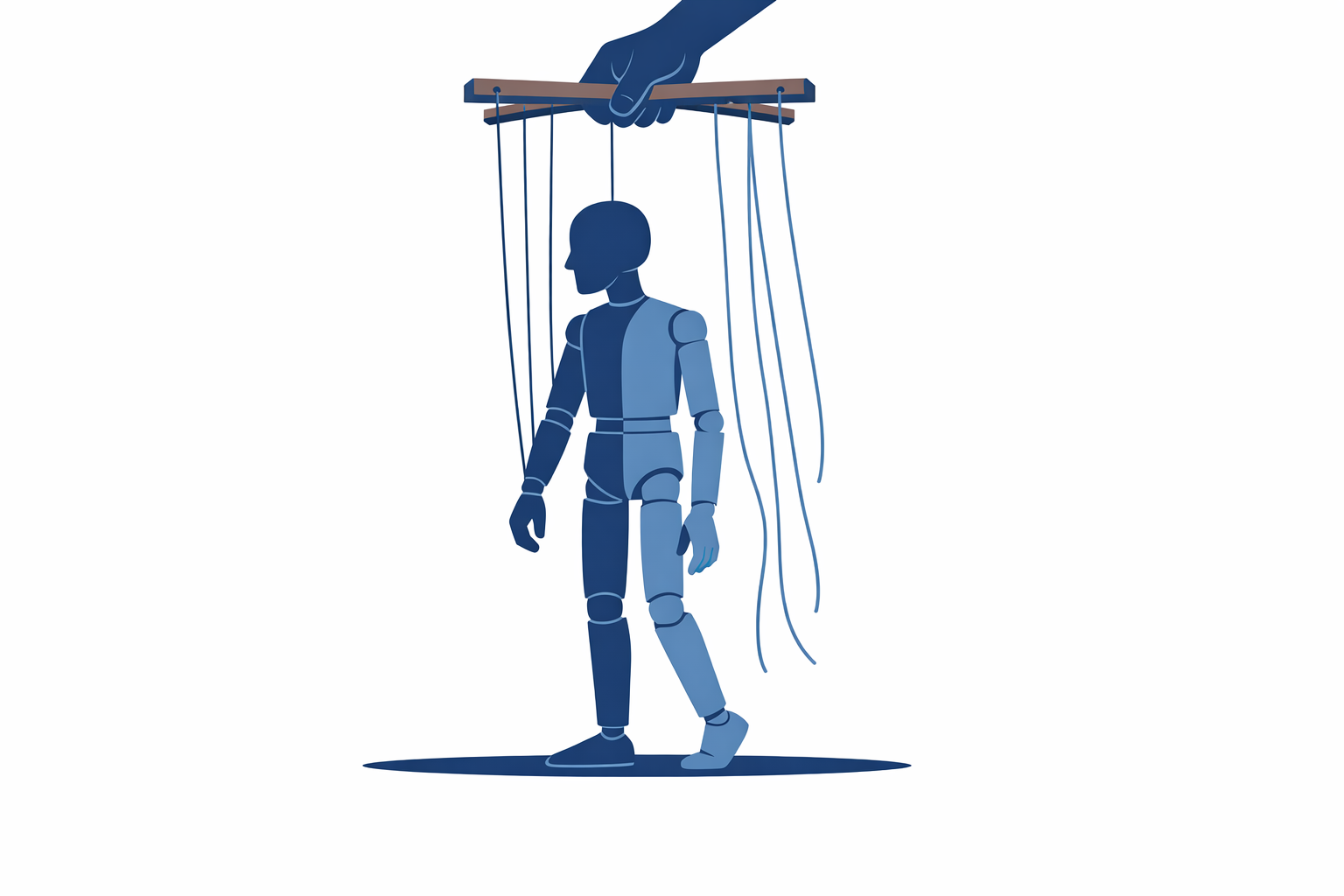
Timing, routing, and task creation are safe to automate in sales follow-up. The actual message content for warm or late-stage prospects almost never is. The mistake most teams make is automating the parts that require judgment because those are also the parts that feel tedious.
Why this question keeps coming up
Sales follow-up is where most automation ambitions run into reality. Teams see the volume of touches required, do the math on rep capacity, and immediately want to automate everything. The intent is right. The scope usually isn't.
We've seen two failure modes in almost equal measure: teams that automate nothing because they're worried about sounding robotic, and teams that automate everything and then wonder why their reply rates dropped 60% after implementation.
The answer is not 'automate less' or 'automate more.' It's automate the right parts.
The parts that are genuinely safe to automate
Timing and reminders
If a prospect opens an email and doesn't reply, a rep should follow up. If a demo was booked and then no-showed, someone should reach out within an hour. These are timing rules, not judgment calls, and they're exactly what workflow automation is built for.
Automating the trigger — 'remind rep to follow up 48 hours after no reply' — is not the same as automating the message. The former removes cognitive overhead. The latter removes the human.
Lead routing and queue assignment
Who gets which lead, and in what order, is a logic problem. Territory rules, round-robin assignment, lead score thresholds — all of this should be automated. Reps making routing decisions in real time is a consistent source of delay, inconsistency, and quiet resentment between team members.
This is one of the first things we configure when working on sales automation for a new client. Routing logic sounds unglamorous, but clean routing is often worth more than any AI-generated message.
Task creation and CRM updates
After a call, a rep should log notes and create follow-up tasks. The logging should be manual (or AI-assisted from a transcript). The task creation — 'create a follow-up task for 3 business days from now' — should be automatic.
If reps are manually creating routine tasks, you're spending human judgment on something a workflow can do deterministically. That's a poor trade.
Status-based sequences for cold or early-stage prospects
If a prospect is in early pipeline stages and hasn't engaged at all, templated sequences are defensible. The cost of a slightly generic message is low when the relationship hasn't started yet. The benefit of consistent follow-up is real.
Just make sure someone reviews these sequences quarterly. What worked at your company 18 months ago may not match how your market communicates now.
The parts that almost always need a human
Any message after a meaningful interaction
If a prospect attended a demo, replied to an email, raised an objection, or asked a specific question — the next outbound message should be written by a rep. Not drafted by AI and sent without review. Written.
This is where most AI agent implementations overstep. An AI can draft the follow-up, and a good draft is genuinely useful. But for a prospect who told you they're evaluating two other vendors and need a decision by end of quarter, a template is a relationship-killer.
Pricing and negotiation conversations
Anything touching price, contract terms, or timeline flexibility should never be on autopilot. This one probably doesn't need explaining, but we've seen automations that were technically scoped only for 'general follow-up' creep into conversations where a rep had already started negotiating. Sequences don't read context. They just fire.
Re-engagement of churned customers or lost deals
Lost-deal re-engagement is high-stakes and personal. The message content, the timing relative to what happened, and the framing all require someone who knows the history. An automated 'just checking in' six months after a deal fell apart because of pricing can do more damage than no outreach at all.
A practical way to draw the line
Before automating any part of your follow-up, ask: does executing this well require knowing something about this specific person or conversation?
If no — timing, assignment, task creation, early cold sequences — automate it.
If yes — message content for warm prospects, anything post-interaction, anything involving negotiation — keep a human in the loop.
This framework also applies outside sales. In marketing automation, the same distinction holds between behavioral triggers (safe to automate) and message tone calibration for high-value segments (less safe).
If you want to map your current follow-up process against this framework and find the parts that are costing you the most, our case studies show a few examples of how we've approached this in practice.
Or if you'd rather just talk it through, book a call.
Want help putting this to work?
A 30-minute call is enough to tell you whether it fits your operation.
Book a discovery call →