
When to hand off from AI to human in a sales workflow
AI can qualify, follow up, and route leads — but there are 5 specific moments in a sales workflow where human handoff isn't optional.
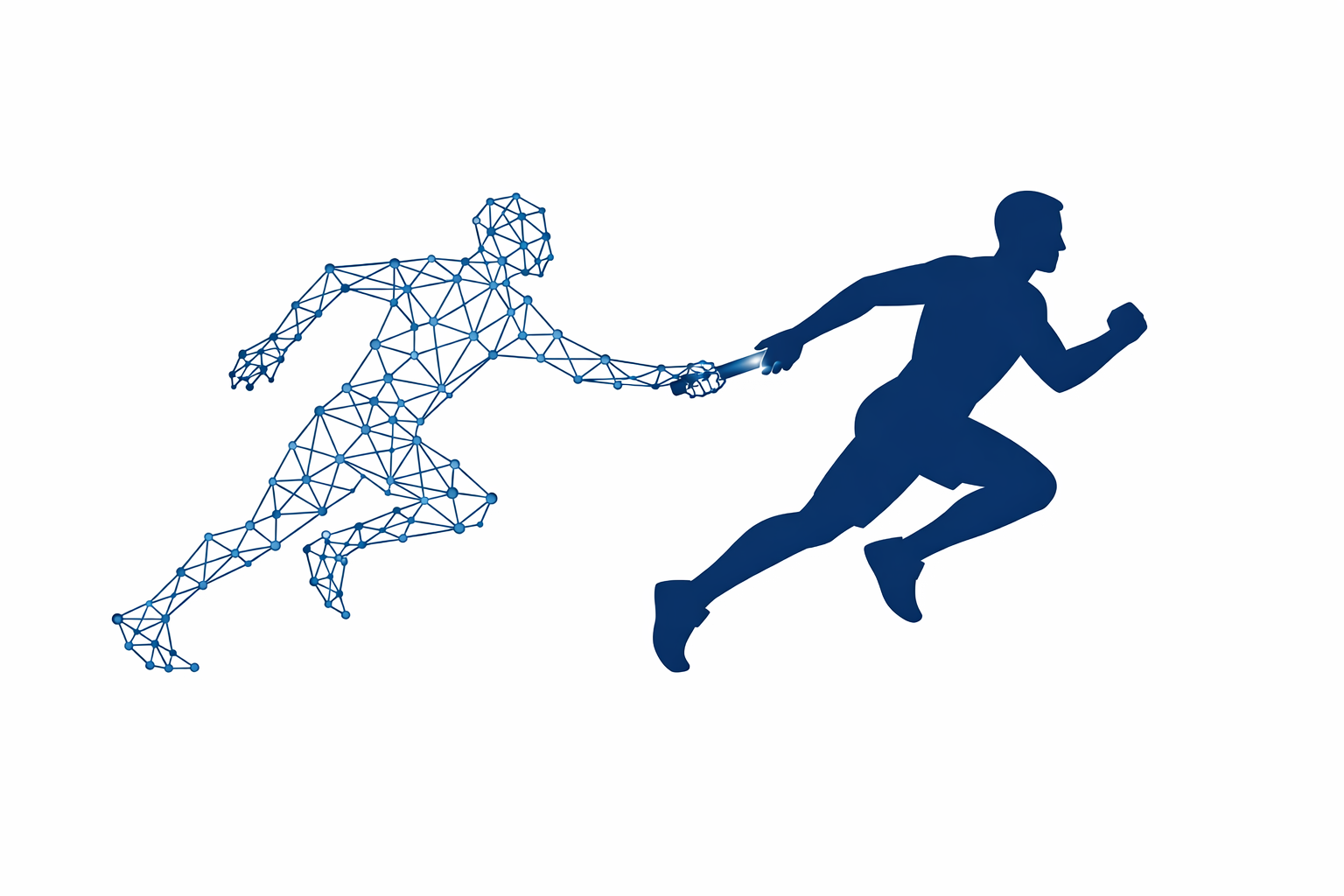
AI handles volume well but reads context poorly. The right handoff triggers are: pricing objections, competitive comparisons, deal size above your defined threshold, any expressed frustration, and second-meeting requests. Miss any of these and you're using automation in exactly the place it does the most damage.
The framing problem with AI in sales
The conversation about AI in sales tends to collapse into two camps: people who think AI will replace SDRs, and people who think it's a gimmick. Both positions are wrong in ways that cost companies money.
The practical question — the one actually worth answering — is: at which exact moments in a sales workflow should a human take over from an AI?
This isn't a philosophical question. It's an operational one. And the answer matters because getting it wrong in either direction is expensive. Too much AI involvement loses deals. Too little means you're paying for automation that doesn't move the needle.
We help teams draw this line. Here's how we think about it.
What AI handles well in a sales workflow
Before listing handoff triggers, it's worth being clear about where AI earns its place.
Volume tasks with low consequence for error:
- Initial outreach sequencing (first and second touch)
- Lead scoring based on firmographic or behavioral data
- Meeting confirmation and reminder sequences
- Post-demo follow-up with standard collateral
- Re-engagement of cold or dormant leads
- Routing inbound leads to the right rep based on territory, company size, or segment
These are the workflows where sales automation actually compounds. A rep who isn't manually sending 40 follow-up emails a week has 40 more minutes for calls that close deals.
The mistake is letting AI keep going past these tasks.
5 moments that require a human
1. Any pricing conversation
When a prospect asks about pricing — not "do you have pricing on your site" but "what would this actually cost us" — that's a human conversation.
Pricing questions signal buying intent and often surface objections that require judgment: budget constraints, comparison to a competitor's price, internal approval processes. An AI that answers these with a canned range or a link to a pricing page is leaving information on the table and often creating friction.
Trigger: any inbound message containing pricing, cost, budget, or investment language → immediate human routing.
2. Competitive comparisons
"How do you compare to [competitor]" is a test, not a question. The prospect usually already knows the answer — they're evaluating how you handle it.
AI can't read the subtext, doesn't know your current competitive positioning, and can't adjust tone based on how the question was asked. A confident, honest human response here does more work than a comparison matrix.
3. Deal size above your threshold
Define a deal size threshold — this number is specific to your business — above which all communication is human-led. Ours for most of our clients falls somewhere between the top 20% of their deal size distribution and any single deal large enough to materially affect the quarter.
Above that line, AI may still assist (drafting emails, surfacing context, prepping meeting briefs), but it doesn't send anything without a human reviewing and approving it.
4. Expressed frustration or confusion
This is the one most teams get wrong. If a prospect replies with anything that reads as frustrated, confused, or impatient — even mildly — AI should stop and a human should respond within the same business day.
AI escalation detection is improving but still misses tone, especially in short replies. "This is taking a while" reads as neutral to most systems. A human knows it's a warning signal.
If you're using an AI agent for outreach or follow-up, configure explicit sentiment triggers that pause the sequence and flag the thread.
5. A request for a second meeting
When a prospect asks for another call, a demo, or a follow-on conversation, that's a qualified signal. The AI's job is done. A human should own every step from that point forward.
Automatic meeting links are fine for the mechanics. But the confirmation, the pre-meeting prep outreach, and the follow-up after — those belong to the rep.
How to actually implement this
The cleanest way to enforce handoff triggers is to build them into your sequence logic, not rely on reps to catch them manually.
In practice, this means:
- Keyword and phrase triggers that pause sequences and create tasks in your CRM
- Deal value fields that suppress AI-led outreach above the threshold
- A sentiment or intent classification step (even a simple one) on inbound replies
- Clear ownership rules so that when a handoff fires, a specific rep is notified — not a shared queue
This is grunt work, but it's what makes the automation trustworthy. We cover how this sequencing gets built in our operations automation practice.
The cost of missing a handoff
A miscalibrated handoff doesn't just lose the deal in front of you. It trains your prospects that your sales process is impersonal, which affects referrals and reputation over time.
The teams we've seen get this right treat the handoff logic as a living document — they review which triggers fired, which deals went cold after AI touchpoints, and adjust the thresholds quarterly.
If you want to see how other mid-market teams have structured this, our case studies include a few examples of sales workflow redesigns where handoff logic was the primary lever.
The rule we come back to
AI earns its place in sales by doing the volume work reliably. Humans earn their place by showing up at the moments that actually matter. The job is to make sure those two things don't step on each other.
If you want to map the handoff logic for your specific workflow, book a call.
Want help putting this to work?
A 30-minute call is enough to tell you whether it fits your operation.
Book a discovery call →